In the Invoice or Customer Record, utilize the virtual terminal to process payments on behalf of the payer, either by using a saved token or adding a new one.
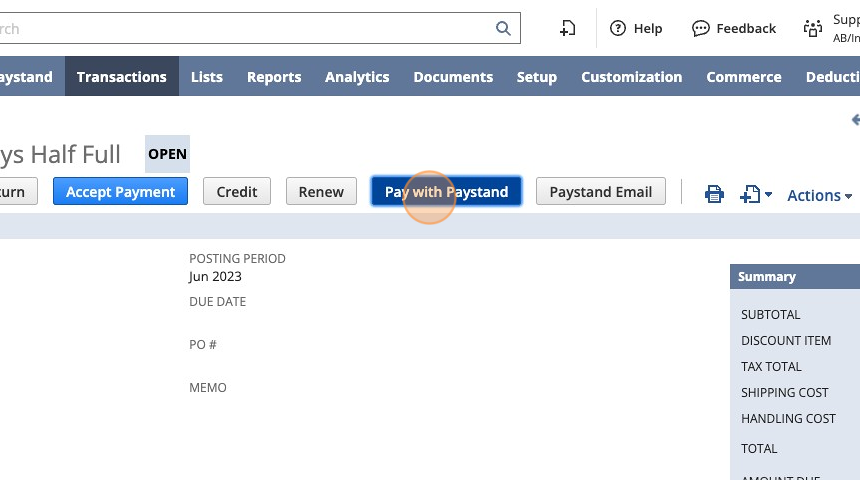
1. Navigate to the desired invoice and click Pay with Paystand to open the Virtual Terminal.
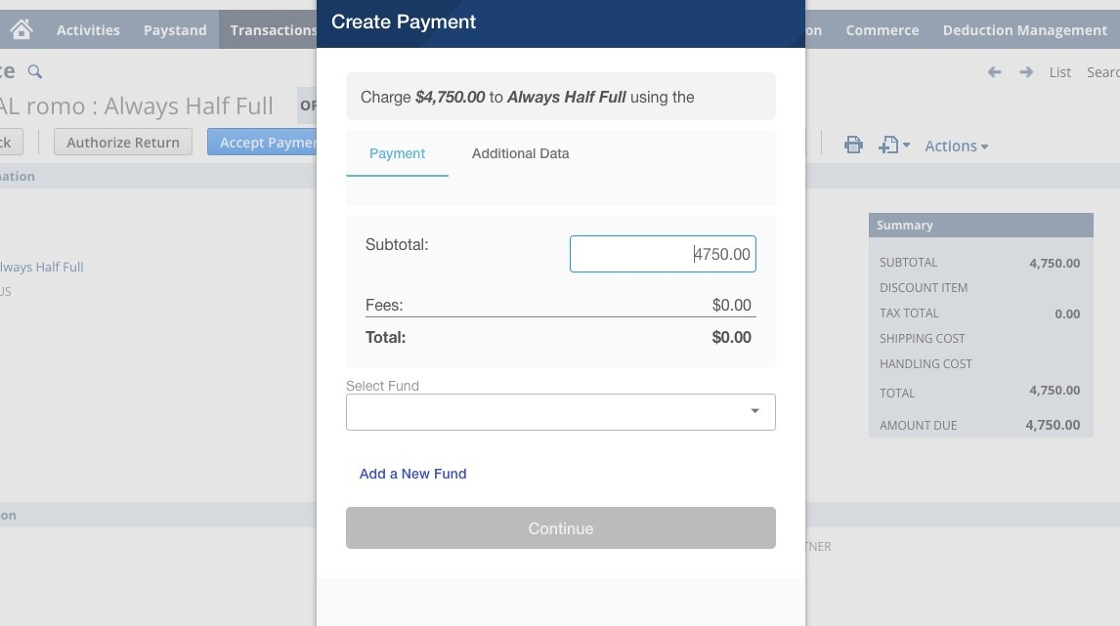
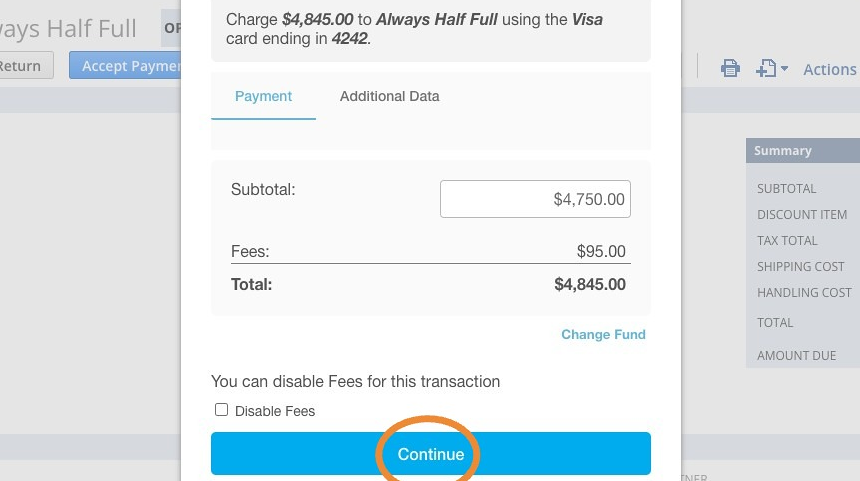
2. You can edit the Subtotal amount to make a Partial Payment.
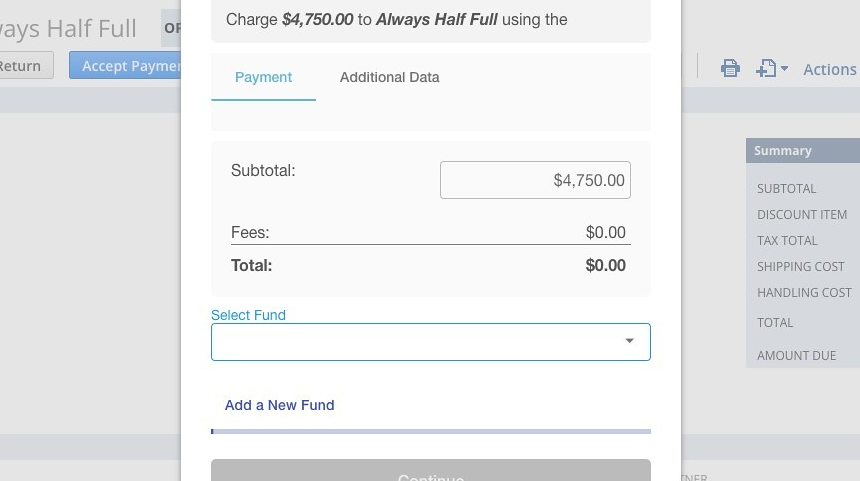
3. Choose the desired fund for processing the payment, or there is an option to Add a New Fund.
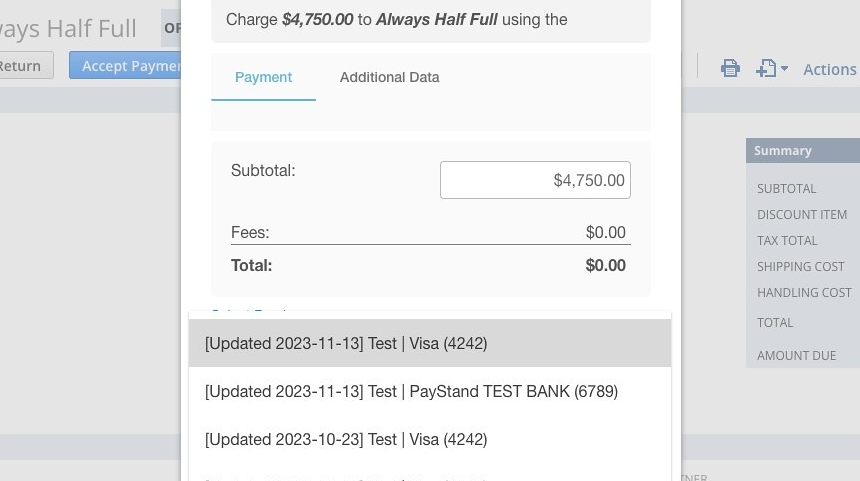
4. Select the desired Fund from the dropdown menu.
5. Click Continue
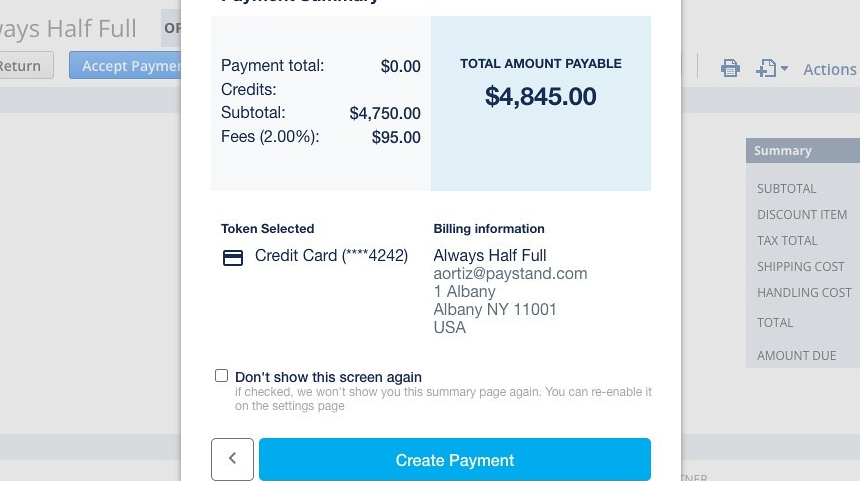
6. Click Create Payment
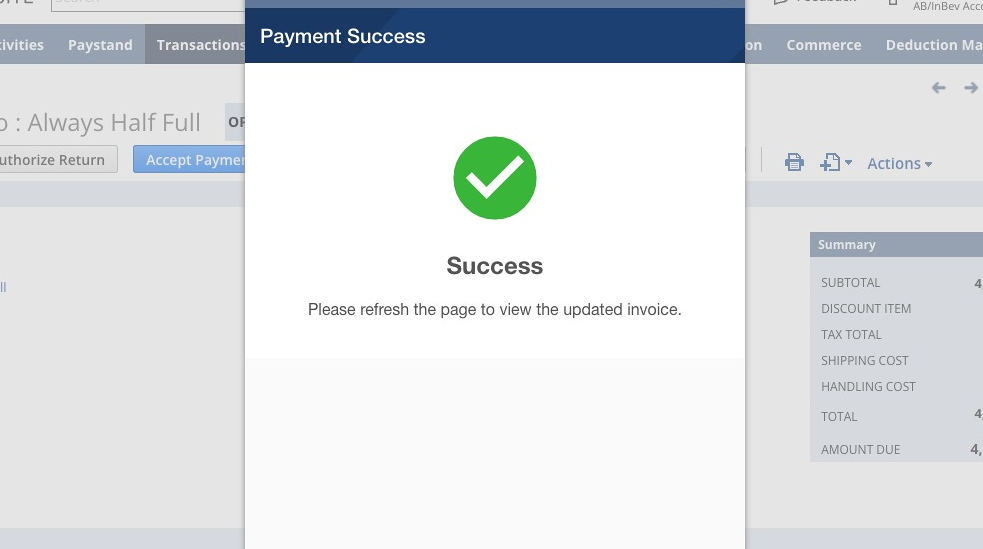
7. Upon successful processing of the payment, a confirmation will be received
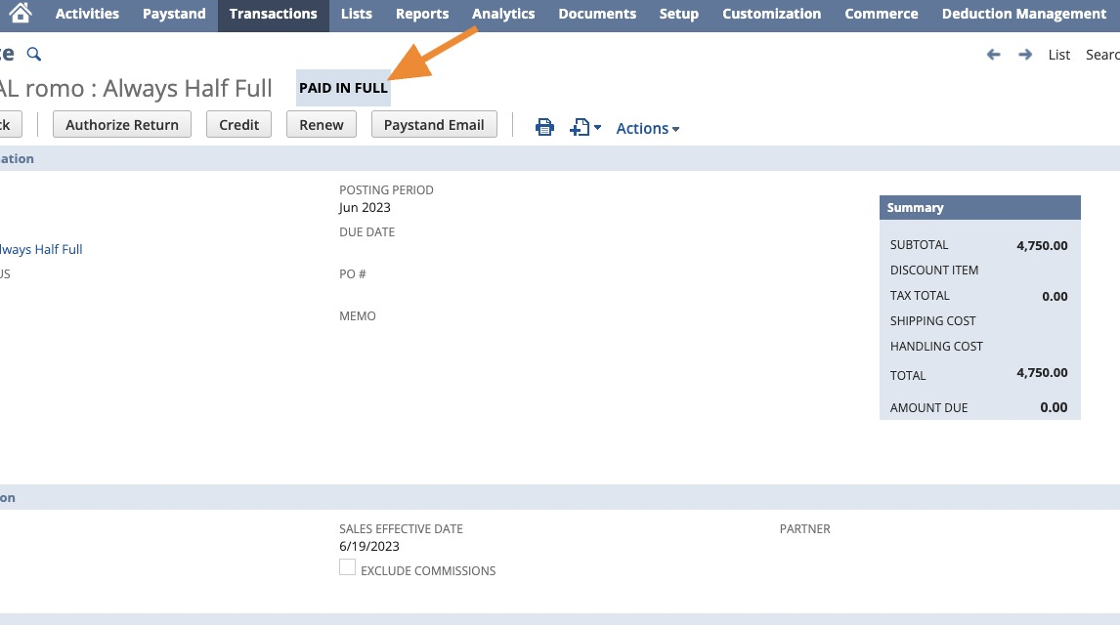
8. After completion of the payment, the invoice status will transition from Open to Paid.
A payment record will be created for that invoice.
Additional Resources:
- Disabling Transaction Fees for Invoice Payments using the Virtual Terminal
- Making Partial Payments for Invoices using the Virtual Terminal
- Saving new funds from Virtual Terminal
- Paying an Invoice using the Virtual Terminal
- Apply Credits using the Virtual Terminal