When you add a payer to the Paystand Dashboard, you can add their Credit Cards or an ACH bank accounts in order to charge the them when the payment is due.
Adding Token to a Payer
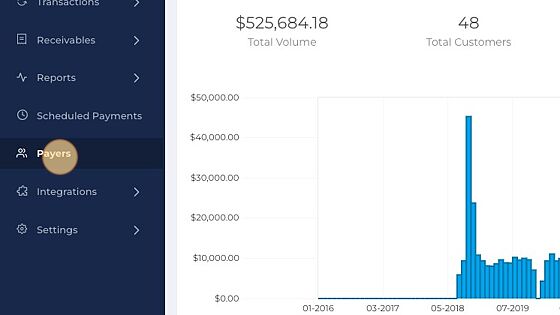
1. Click Payers
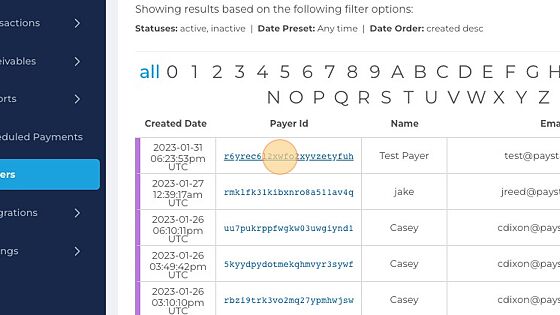
2. Select the Payer ID, that you like to add a fund.
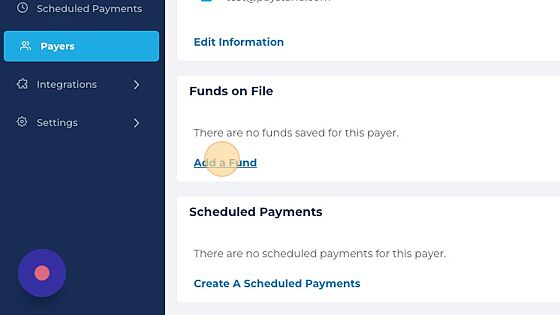
3. Click Add a Fund
4. Select the payment method.
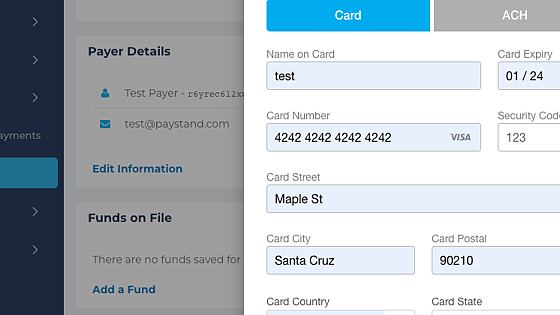
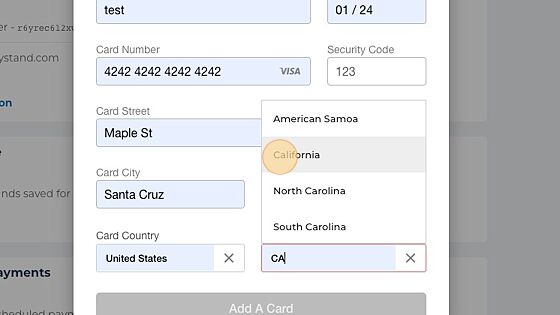
5. Enter the banking information and address.
6. Click Add A Card
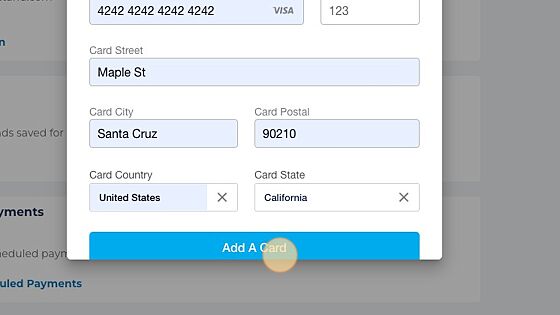
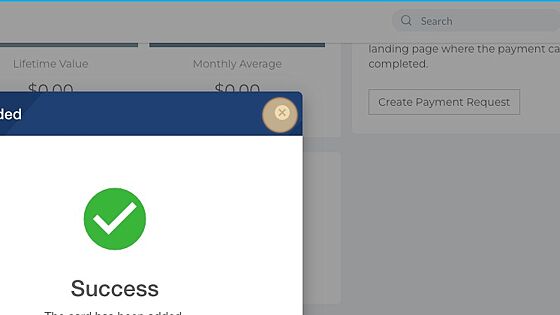
7. You will see a confirmation message.